
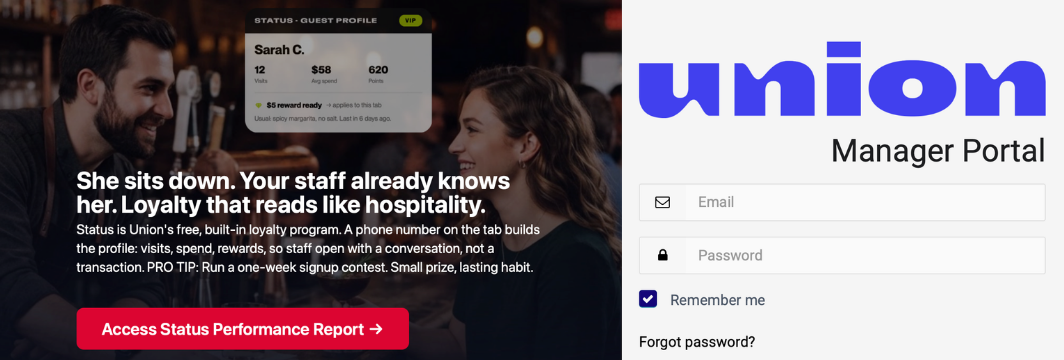
Meet Status: The Loyalty Program That Runs Itself
Status is Union's free, built-in loyalty program. A guest's profile is created the moment they enter their phone number, whether that's through the app, at checkout, by scanning the QR code on their receipt, or added by your staff at the register. No app download required. No card to carry.
Free & built‑in
No extra software. No integrations. No separate app to manage.
Fully automatic
Rewards apply themselves. Nothing for your staff to track or remind guests about.
Multiple enrollment flows
Guest-led ordering, Pay at Table, QR on receipt, or added at checkout. Whatever fits how your venue runs.
Just a phone number
No app download. No card. No punch card. A phone number is all it takes.
Live in 2 minutes
Turn it on from your Manager Portal. No onboarding call needed.
Build your guest database
Every enrollment adds to a real list of regulars you can see and export.
Watch: Status in less than 4 minutes.
Overview · Enrolling · Redeeming · Set up
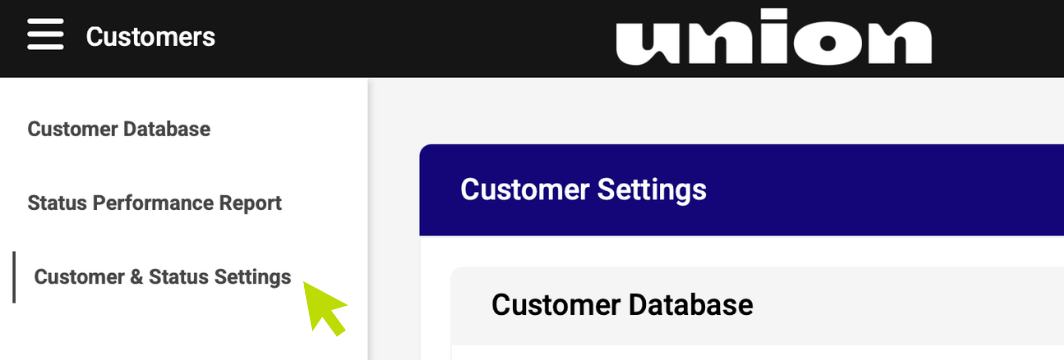
Go to Customers
Open the Customers menu, then Customer & Status Settings.
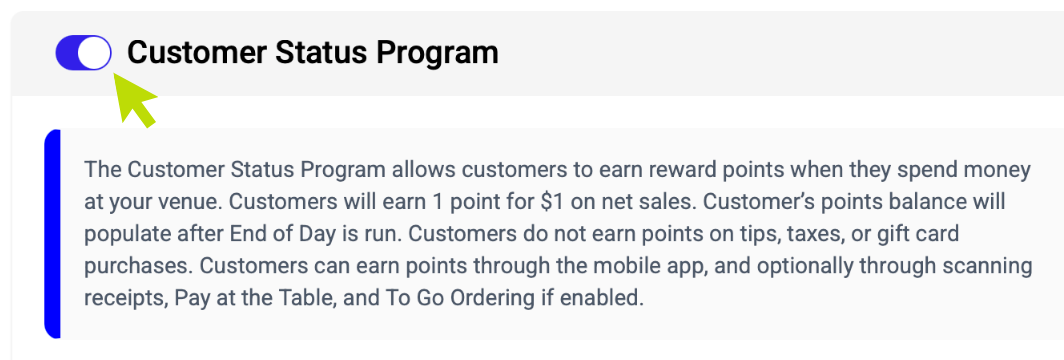
Scroll down and toggle on Status
One switch turns the whole program on for your venue.
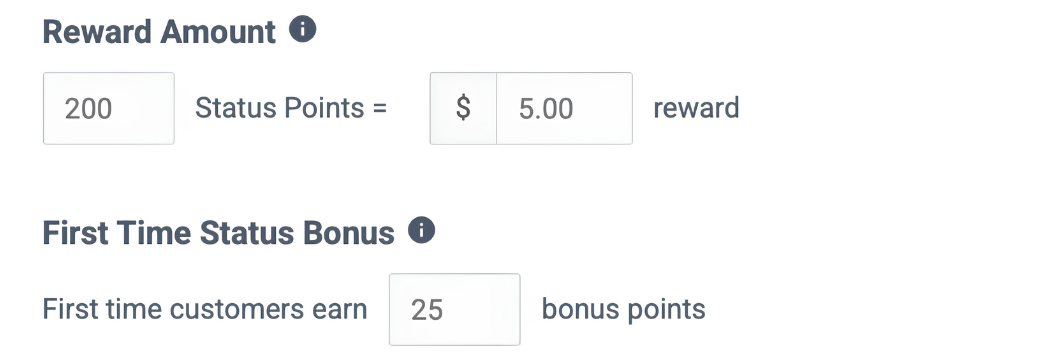
Set your point threshold, reward, and new guest bonus
Point threshold: how many points a guest needs before a reward applies.
Reward amount: the dollar value that gets applied automatically once they hit it.
First-time guest bonus: bonus points new guests start with, so they're already closer to their first reward.
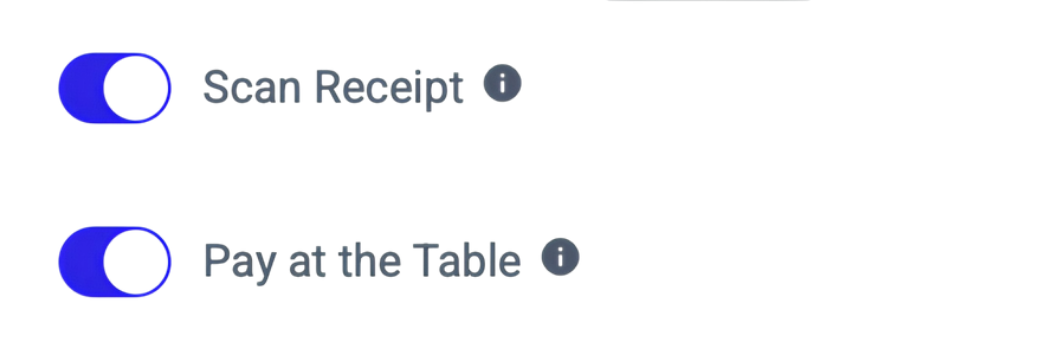
Choose your enrollment options
Scan Receipt: guests scan the QR code on their receipt to earn and redeem points.
Pay at the Table: guests earn and redeem points right from the Pay at Table screen.
Two more flows work no matter what you toggle here: guests can enroll straight from the Union mobile app, and your staff can always long-press a check on the POS to add a customer manually.
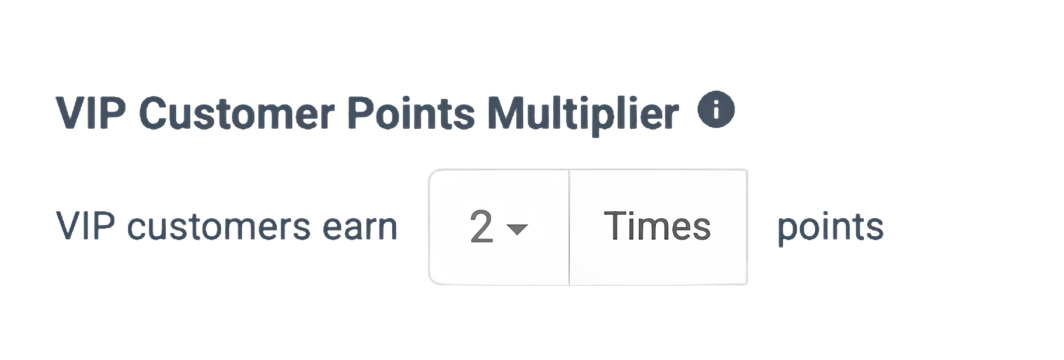
Set a VIP multiplier
Guests who reach VIP status earn points faster, at whatever multiplier you set here, so their rewards add up quicker on every visit.
VIP multipliers only apply if the VIP program itself is turned on.
Enrollment is seamless
There are multiple ways to enroll: guest-led ordering, Pay at Table, Scan to Pay, a QR code on their receipt, or added at the POS by your staff. No app download needed.
Guest starts earning, 1 dollar = 1 point
A phone number is all it takes. Points start stacking up right away, tied to your venue.
Reward hits their next tab
Cross the threshold, and the reward applies itself as a discount next time they're in. Nothing for your staff to apply.
They come back
A reward waiting for them is a reason to choose you over the place next door.
The Nudge
For guests who've agreed to receive texts, Status sends them one the moment they earn a reward. That's a marketing campaign that writes and sends itself, every single time, pulling guests back through your door without you lifting a finger.
What guests get by text, and what your staff sees on the POS
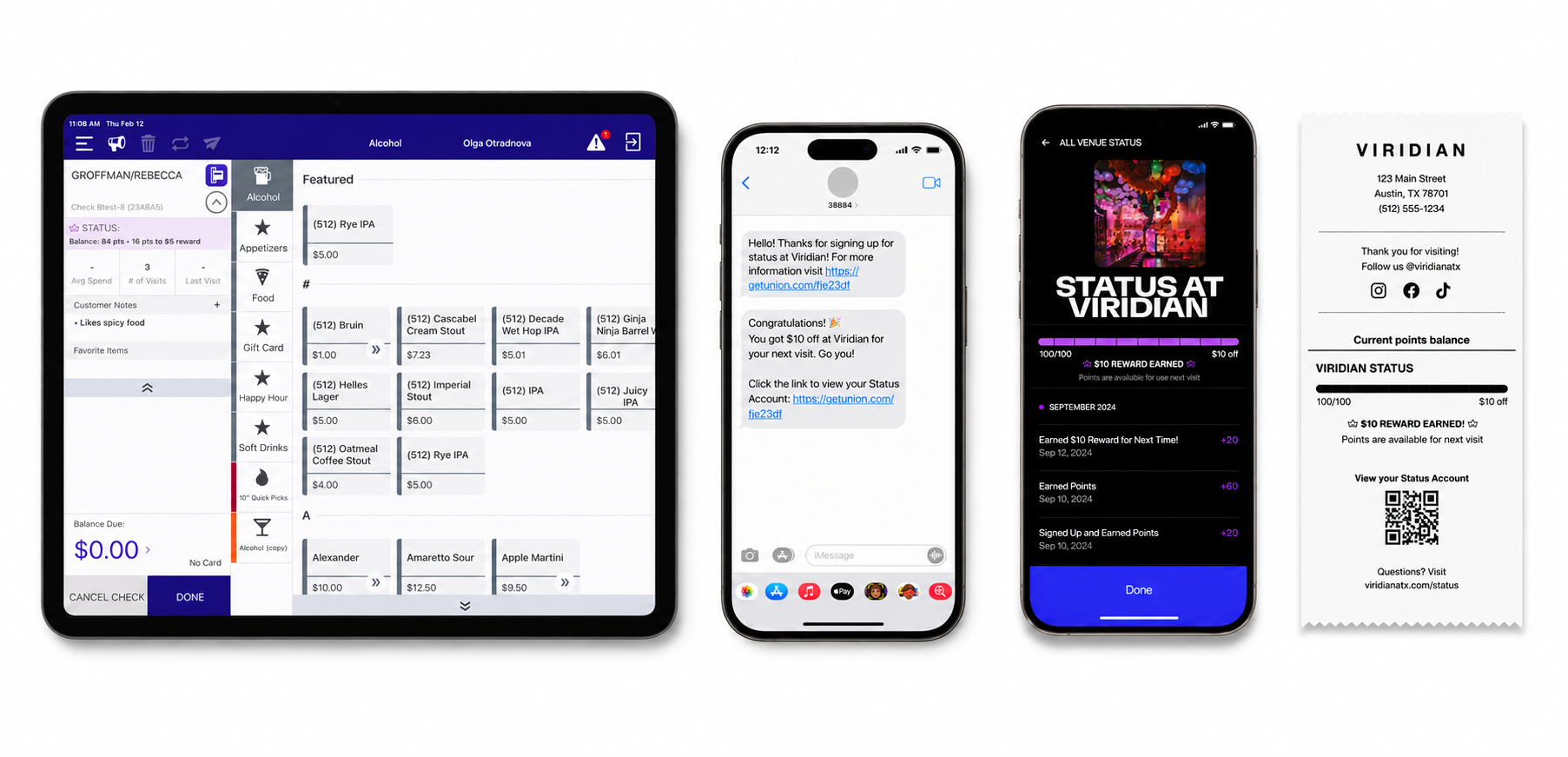
Status doesn't change how your staff works. It just takes a few things off their plate.
No manual discounts
Rewards apply themselves the moment a guest qualifies. Nothing to type in, nothing to remember.
Regulars, spotted instantly
The POS shows who's enrolled, who's a VIP, and who has a reward ready. No guesswork.
Guests mostly enroll themselves
Most sign up through the app, at the table, or by scanning their receipt. No pitch required.
Status Overview Flyer
Visual explainer of the First Visit Loop and automatic rewards.
View →QA Guide
How the program handles enrollment, redemptions, and everything in between.
View →Staff Cheat Sheet
Everything your team needs to know. One printable page.
Download →Guest Communication Kit
Email templates, social posts, and signage copy ready to use.
Download →Submit a Feature Request
Tell us what you wish Status could do.
Email →Ask a Question
Got something quick? Email the team directly.
Email →The Status Performance Report guide, how to export your guest list to Mailchimp, and answers to the questions we hear most.